DIY Tips for Troubleshooting Common PlayStation Issues
Understanding Common PlayStation Issues
Whether you're an avid gamer or someone who enjoys the occasional session, encountering technical issues with your PlayStation can be frustrating. Fortunately, many common problems can be resolved with some simple troubleshooting steps. In this guide, we'll explore some DIY tips to help you get your console back in working order.
Power Problems
If your PlayStation won't turn on, the issue might be related to the power source. Start by checking the power cable and ensuring it's securely connected to both the console and the power outlet. If the console still doesn’t power on, try using a different power outlet or cable. A simple reset might also help; unplug the console for a few minutes before trying again.
Connectivity Issues
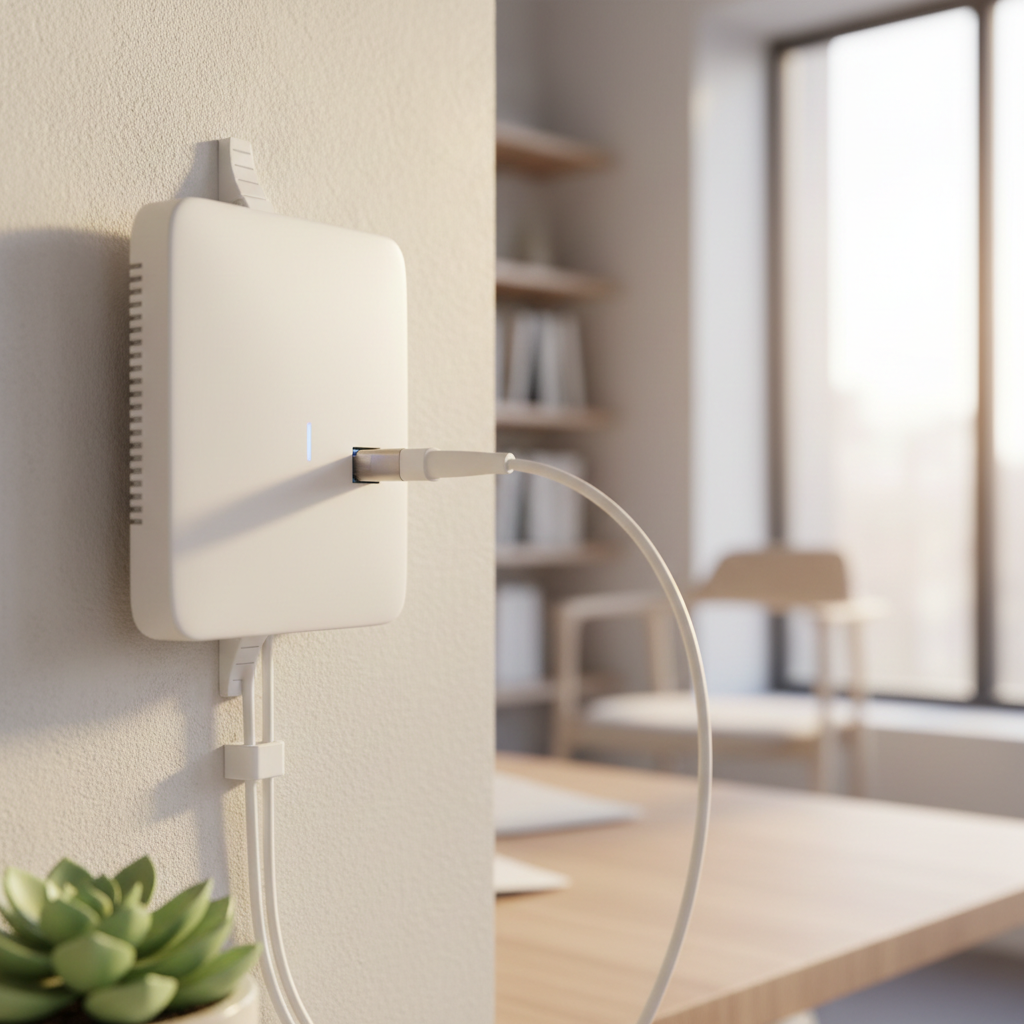
Having trouble connecting to the internet? First, verify that your Wi-Fi is working on other devices. If it is, try restarting both your router and your PlayStation. Go to the network settings on your console and select “Set Up Internet Connection” to re-establish a connection. You may also want to test the connection to confirm it's stable.
Disc Reading Errors
When your PlayStation struggles to read discs, it could be due to dirt or scratches. Gently clean the disc with a microfiber cloth, wiping from the center outward. If the problem persists, try inserting a different disc to determine if the issue lies with the disc or the console’s drive. Regularly updating your console's firmware can also help prevent these errors.
Overheating Concerns
Overheating is another common issue that can lead to console malfunctions. Ensure your PlayStation has proper ventilation by placing it in an open area, away from direct heat sources. Regularly cleaning the console’s vents with compressed air can help maintain airflow and prevent dust buildup.

Controller Syncing Problems
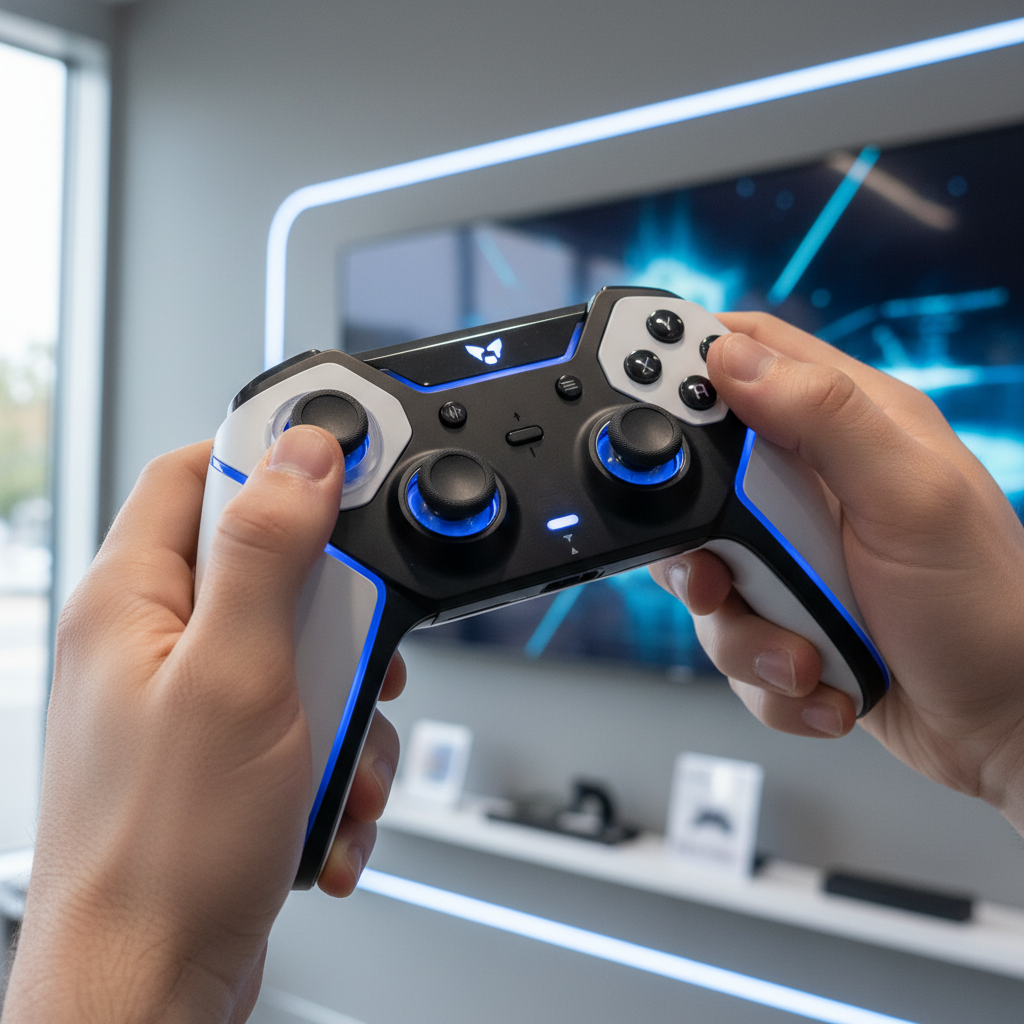
If your controller won’t sync with the console, try connecting it via a USB cable to establish a direct connection. Once connected, press the PS button to sync. If this doesn't work, reset the controller by pressing the small button on the back using a paperclip. After resetting, attempt to sync it again.
Conclusion
While encountering PlayStation issues can be annoying, many are easily fixable with a bit of troubleshooting. By understanding the common problems and their solutions, you can save time and avoid unnecessary frustration. However, if these DIY tips don’t resolve the issue, it may be time to consult with a professional or contact PlayStation support for further assistance.