Expert Tips: How to Extend the Life of Your Laptop Battery
Understanding Battery Health
In the digital age, we rely heavily on our laptops for work, entertainment, and communication. However, one of the most common issues faced by laptop users is battery degradation. Knowing how to extend the life of your laptop battery can save you time and money. Here are some expert tips to help you maintain your battery's health.
Laptop batteries naturally degrade over time, but certain practices can accelerate this process. The key is to understand your battery's health and make informed decisions. Checking your battery's health status regularly can provide insights into its current condition and help you take preventive measures.
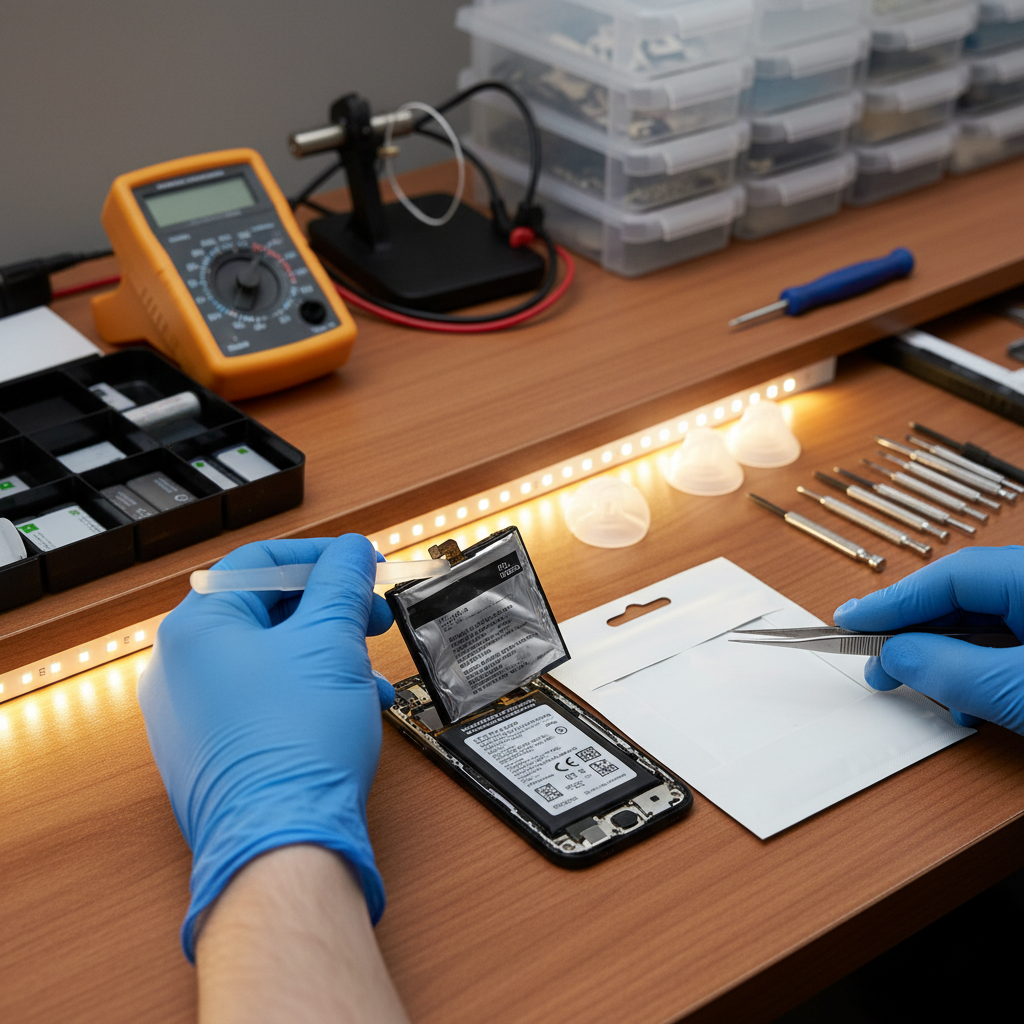
Optimize Your Settings
One of the simplest ways to extend your laptop's battery life is by optimizing your settings. Adjusting the brightness of your screen, turning off Bluetooth and Wi-Fi when not in use, and using battery saver modes can significantly reduce power consumption. These small changes can make a big difference over time.
Additionally, managing background applications is crucial. Many apps run in the background, consuming battery power without you realizing it. Regularly check and close any unnecessary applications to conserve energy.

Avoid Extreme Temperatures
Heat is one of the biggest enemies of battery life. Avoid exposing your laptop to extreme temperatures, whether it's leaving it in a hot car or using it on a soft surface that traps heat. High temperatures can cause your battery to degrade faster, reducing its lifespan.
On the flip side, extremely cold temperatures can also harm your battery. Always aim to use your laptop in environments with moderate temperatures to maintain optimal battery health.
Charge Smartly
Charging your laptop battery properly is essential. Avoid letting your battery drop to 0% frequently, as this can strain the battery. Instead, try to keep your charge between 20% and 80%. This range is considered optimal for lithium-ion batteries, which are commonly used in laptops.
Moreover, overcharging can also be detrimental. Even though most modern laptops have mechanisms to prevent overcharging, it's a good practice to unplug the charger once it's fully charged.
Regular Maintenance
Regular maintenance can go a long way in extending your laptop battery's life. Keep your software updated, as manufacturers often release updates that improve battery performance. Running a full virus scan can also ensure that no malicious software is draining your battery unknowingly.
Finally, cleaning your laptop's vents and fans can prevent overheating, which, as mentioned earlier, is harmful to your battery. By keeping your laptop clean and free from dust, you ensure better air circulation and cooling.
Conclusion
Extending your laptop battery's life requires a combination of good practices and regular maintenance. By following these expert tips, you can maximize your battery's lifespan and ensure your laptop remains efficient and reliable. Remember, a little care goes a long way in keeping your device running smoothly.