How to Extend Your Laptop's Battery Life: Expert Tips
Understanding Your Laptop's Battery
Extending your laptop's battery life involves more than just plugging it in when it's low. Understanding the factors that affect battery longevity can help you make informed decisions. The type of battery, how often you charge it, and your usage habits all play a role in determining how long your laptop battery will last.
Optimize Your Settings
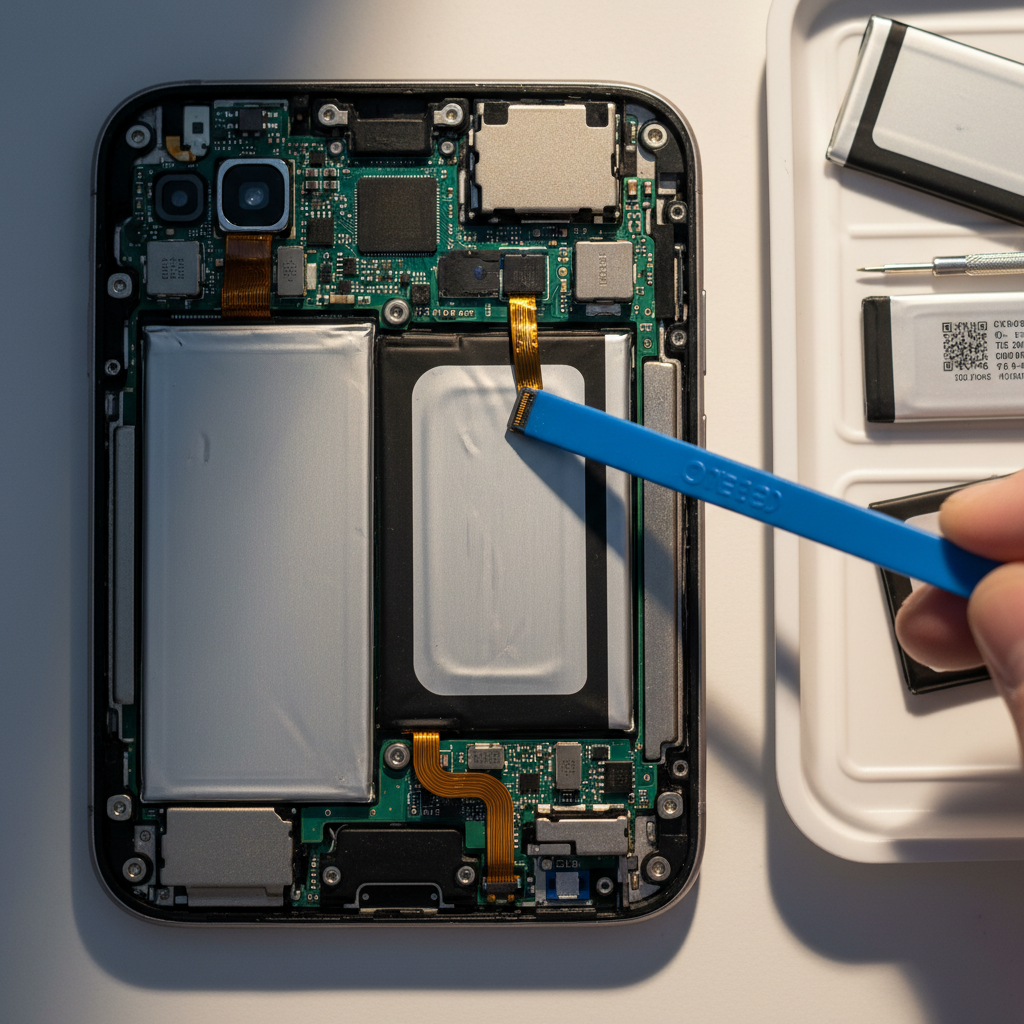
One of the simplest ways to conserve battery life is by adjusting your laptop's settings. Lowering the screen brightness can significantly reduce power consumption. Additionally, using the power-saving mode available in the operating system can help automatically adjust settings for optimal battery usage.
Review your device's settings and disable unnecessary features like Bluetooth and Wi-Fi when they are not in use. These features can drain your battery even if you are not actively using them.
Manage Your Applications
Running multiple applications simultaneously can drain your battery quickly. Close any applications or tabs you are not using. Consider using lightweight alternatives to resource-heavy software, and avoid running demanding programs on battery power if possible.

Keep Your Laptop Cool
Heat is a major enemy of battery health. Ensure that your laptop’s vents are clear and unobstructed to allow for proper airflow. Using a cooling pad can help maintain a stable temperature, which is beneficial for both performance and battery life.
Regular Maintenance
Keeping your laptop in good condition can contribute to longer battery life. Regularly update your operating system and software to benefit from improvements and optimizations that may enhance battery efficiency. Additionally, calibrate your battery periodically by fully charging and then fully discharging it.
Consider Battery Replacement
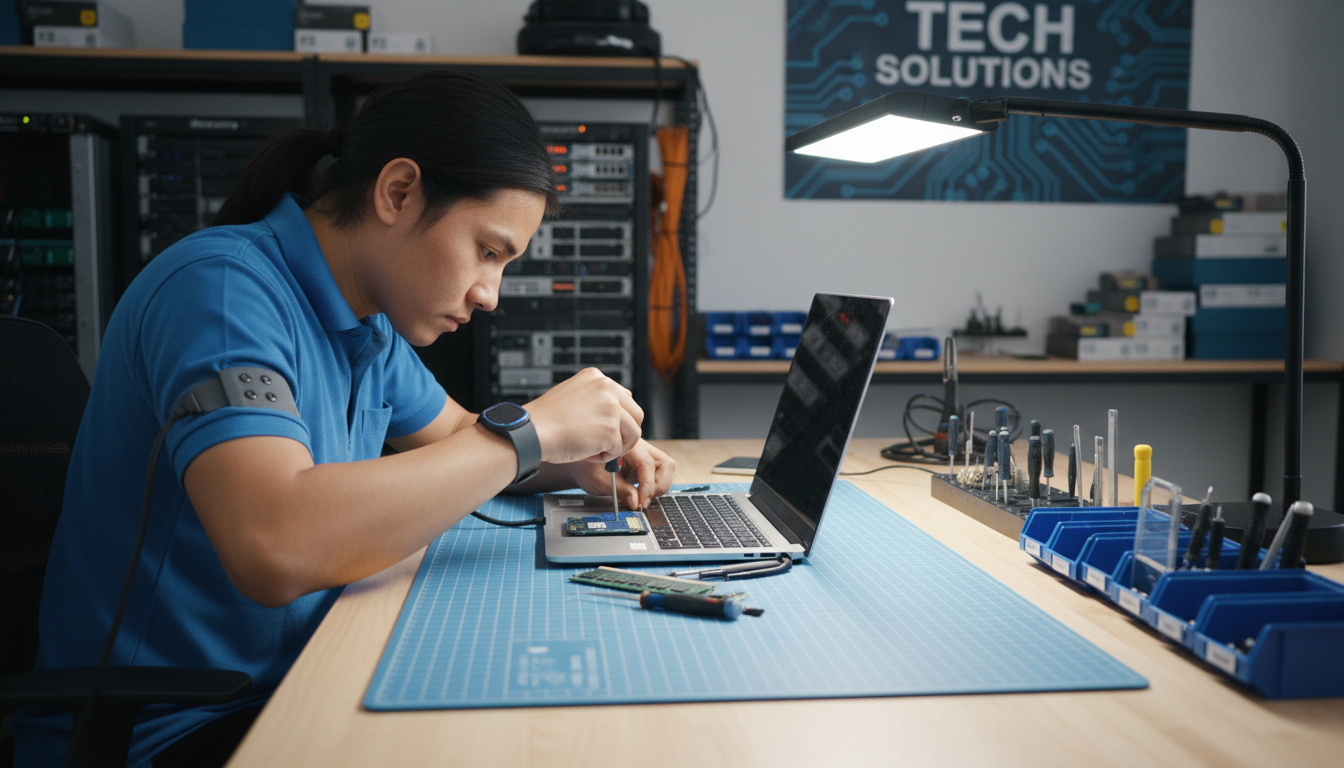
If your laptop's battery life has diminished significantly, it might be time to consider a replacement. Most modern laptops have batteries that are relatively easy to replace, and a new battery can provide a considerable boost in performance and longevity.
- Check the manufacturer's guidelines for battery replacement.
- Consider professional assistance if needed.
Adopt Good Charging Habits
Developing good charging habits can also extend your battery's life. Avoid letting your laptop battery drain completely before recharging it, as this can shorten the battery's overall lifespan. Instead, try to keep the battery level between 20% and 80%.

By following these expert tips, you can enjoy longer battery life and get the most out of your laptop. Adopting these practices not only saves energy but also ensures that your device remains reliable and efficient for years to come.