iPhone Screen Replacement: What to Expect and How to Prepare
Understanding the Need for iPhone Screen Replacement
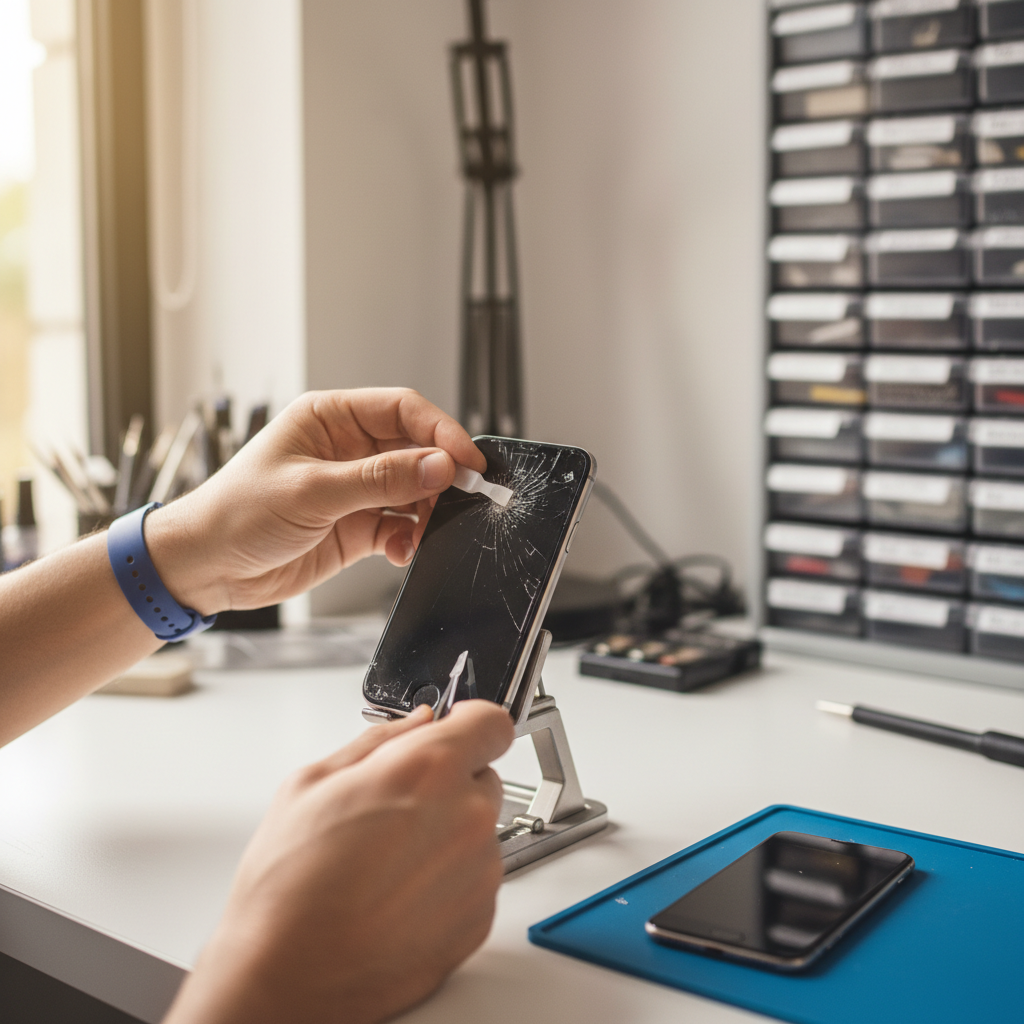
Accidents happen, and sometimes they result in a cracked or shattered iPhone screen. If you're facing this issue, you're not alone. Screen damage is one of the most common problems iPhone users encounter. When it's time to replace your screen, understanding the process can ease your anxiety and prepare you for what's ahead.
A screen replacement not only restores your phone's appearance but also ensures its functionality isn't compromised. A damaged screen can affect touch sensitivity and even lead to more severe internal issues if not addressed promptly.
Preparing for the Screen Replacement
Backup Your Data
Before handing over your iPhone for a screen replacement, it's crucial to back up all your data. Use iCloud or iTunes to ensure that your photos, contacts, and important files are safely stored. This step protects your information in case anything goes awry during the repair process.
Choose a Trusted Repair Service
When selecting a repair service, consider both official Apple stores and certified third-party repair centers. Official services guarantee genuine parts, but third-party options can be more cost-effective. Research customer reviews and ratings to choose a reputable provider.
What to Expect During the Replacement Process
Time and Cost Considerations
The time required for a screen replacement can vary. At an Apple store, it might take a few hours to a day, depending on their workload. Third-party services may offer quicker turnaround times. Costs can range based on the model of your iPhone and the service provider you choose.
Quality of Parts
It's important to ensure that the parts used for the replacement are of high quality. Genuine Apple parts are always recommended, but high-quality aftermarket parts can also be a viable option if you're looking to save money. Just be sure to verify the warranty and quality assurance policies.
After the Replacement
Inspect Your Device
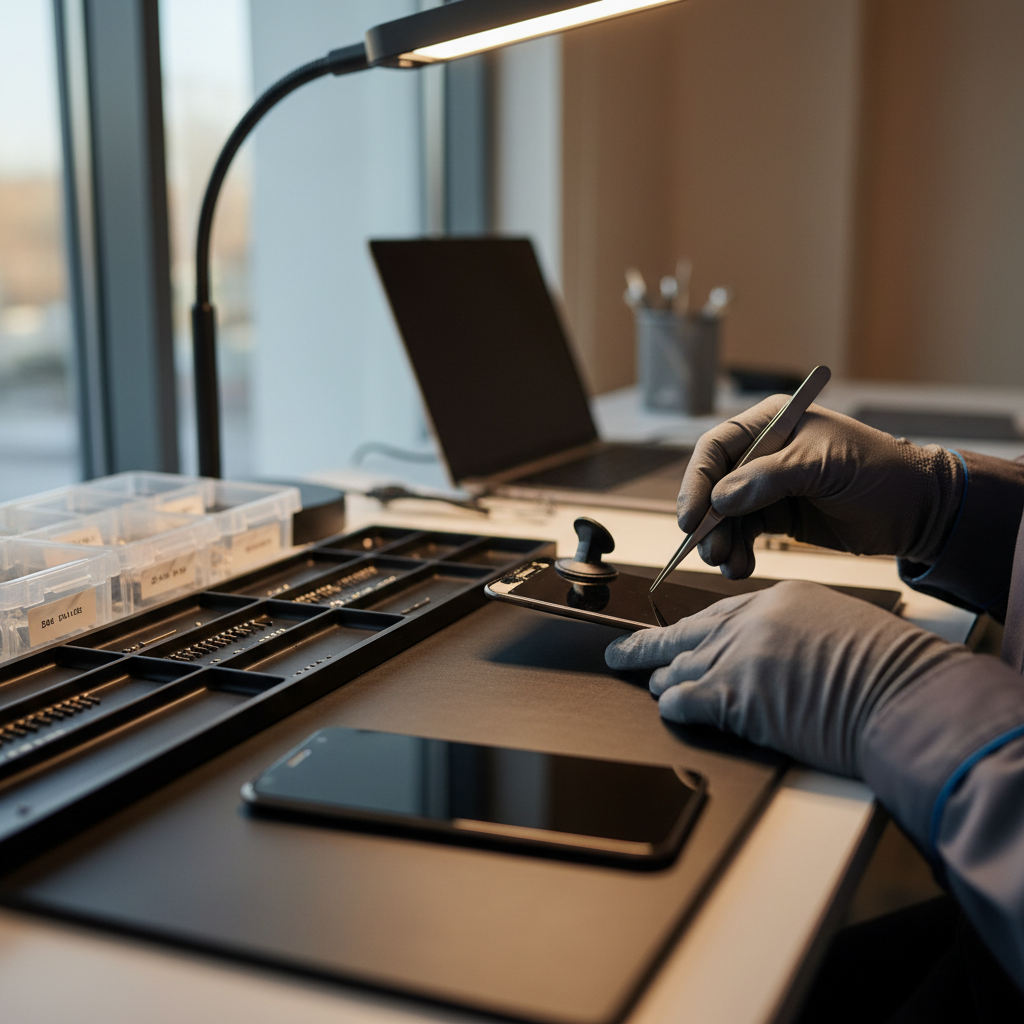
Once your iPhone screen is replaced, inspect it thoroughly. Check for any signs of improper installation, such as gaps or uneven edges. Test the touch sensitivity and display quality to ensure everything is functioning as expected.
Maintaining Your New Screen
To protect your new screen, consider investing in a screen protector and a sturdy case. These accessories can help prevent future damage and extend the life of your device. Regularly clean your screen with a microfiber cloth to keep it in top condition.
By understanding what to expect and how to prepare for an iPhone screen replacement, you can ensure a smooth and hassle-free experience. With the right precautions and service provider, your iPhone will be back to its original glory in no time.