Preventive Maintenance Tips for Prolonging Your Electronics' Life


Importance of Preventive Maintenance
Preventive maintenance is essential for ensuring the longevity of your electronics. By taking the time to care for your devices, you can avoid costly repairs and replacements. Regular maintenance can help identify potential issues before they become serious problems, saving you time and money in the long run.
Electronics are an integral part of our daily lives, from smartphones to laptops and home appliances. To keep them running smoothly, it's crucial to implement a routine maintenance schedule. This proactive approach can significantly extend the lifespan of your devices.
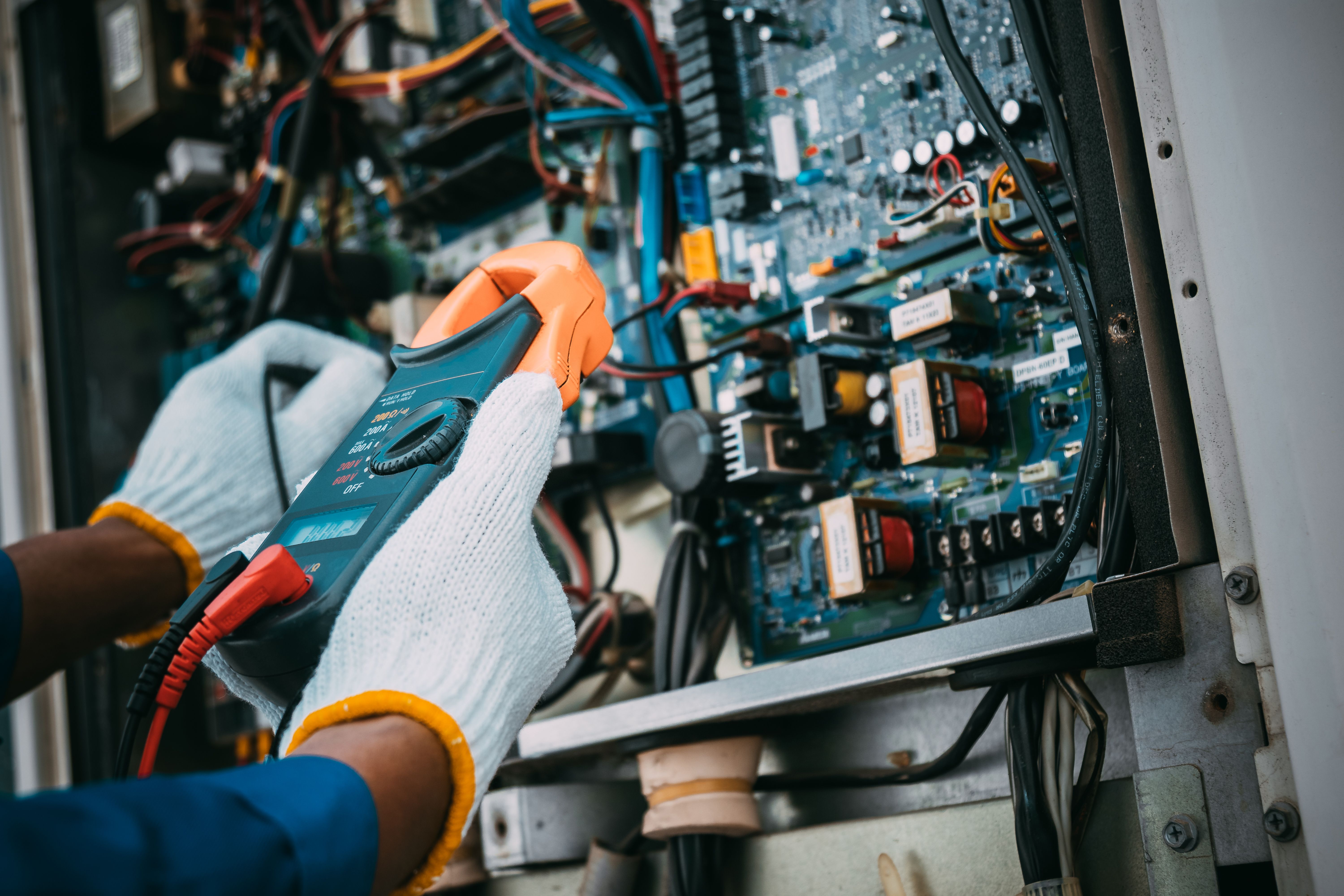
Regular Cleaning
One of the simplest yet most effective preventive maintenance tips is to keep your electronics clean. Dust and debris can accumulate over time, leading to overheating and malfunctions. Use a soft cloth to wipe down surfaces and compressed air to clean out vents and crevices.
For devices like keyboards and remote controls, consider using a specialized cleaner to remove dirt from hard-to-reach areas. Regular cleaning not only enhances performance but also improves the appearance of your electronics.
Cleaning Tips
- Unplug devices before cleaning.
- Use non-abrasive materials.
- Avoid liquid cleaners directly on electronics.

Proper Storage
Storing your electronics correctly is crucial for their longevity. Avoid exposing them to extreme temperatures, humidity, or direct sunlight, as these conditions can cause damage over time. Use protective cases or covers to shield devices when they are not in use.
When storing electronics for an extended period, ensure they are turned off and disconnected from any power source. This prevents unnecessary wear and tear on internal components.
Software Updates
Keeping your software up to date is another critical aspect of preventive maintenance. Software updates often include security patches and performance improvements that can enhance the functionality of your devices. Enable automatic updates when possible to ensure you don't miss important updates.
Checklist for Software Maintenance
- Regularly check for updates.
- Backup important data before updating.
- Restart devices after updates to ensure changes are applied.
Battery Care
Batteries are a vital component of many electronic devices. To prolong their life, avoid letting them completely discharge before recharging. Instead, try to keep the battery level between 20% and 80%. Additionally, unplug chargers once the device is fully charged to prevent overheating.
By following these preventive maintenance tips, you can ensure your electronics remain in optimal condition for years to come. Investing a little time and effort now can save you significant hassle and expense in the future.